 MAYDAN
Field Workforce Management
Workforce management software for cleaning companies.
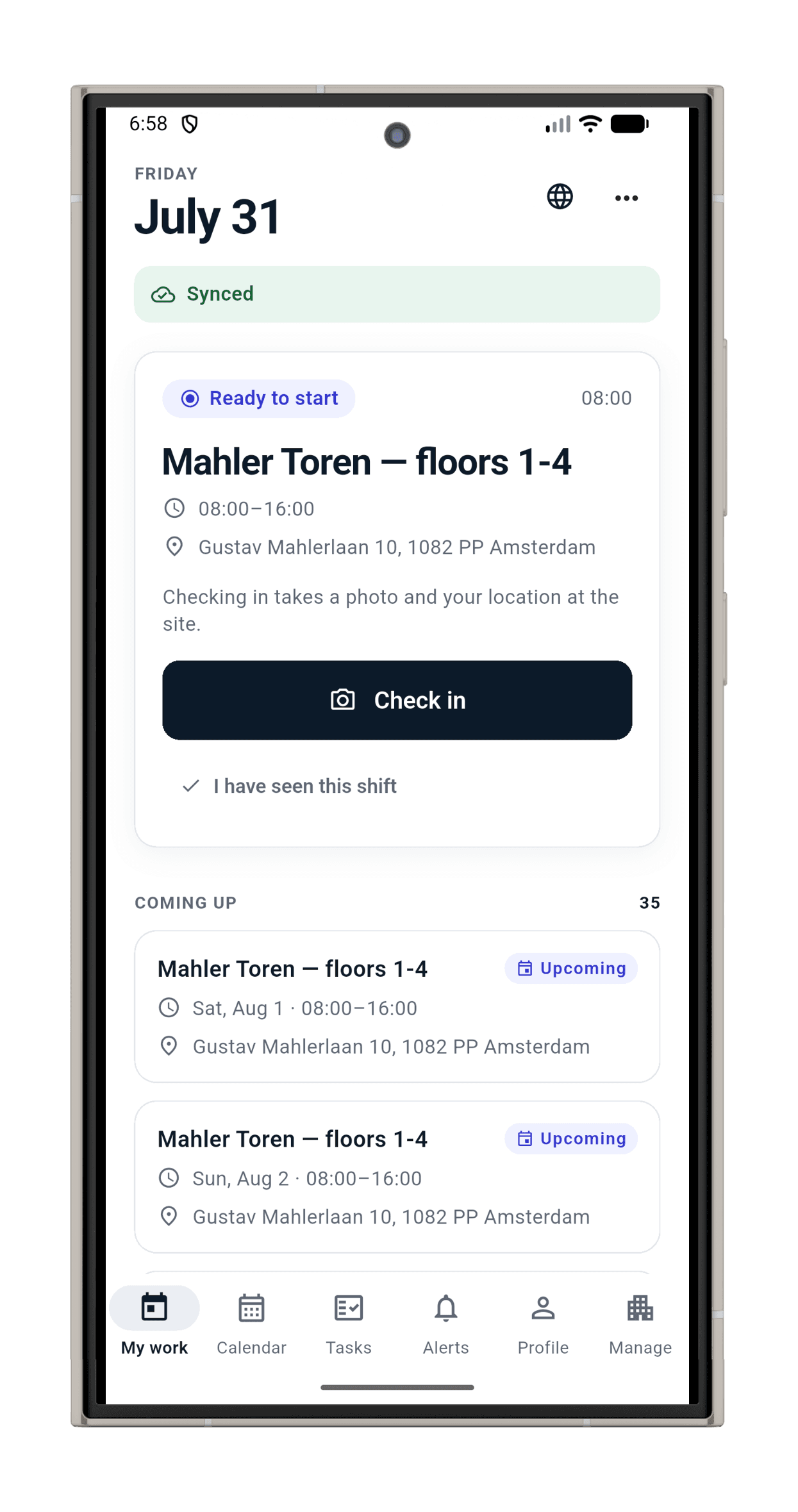
Plan the work, guide the shift, and prove it happened in one offline-first mobile app for Android and iOS. Schedule crews, guide checklists, capture check-ins and photo evidence, and produce audit-ready reports without paper, WhatsApp threads, or disconnected spreadsheets.
Built like infrastructure
1,379
database assertions, proven able to go red by sabotage
414
automated app tests
63
migrations, replayed from empty
0
background location tracking
Plan
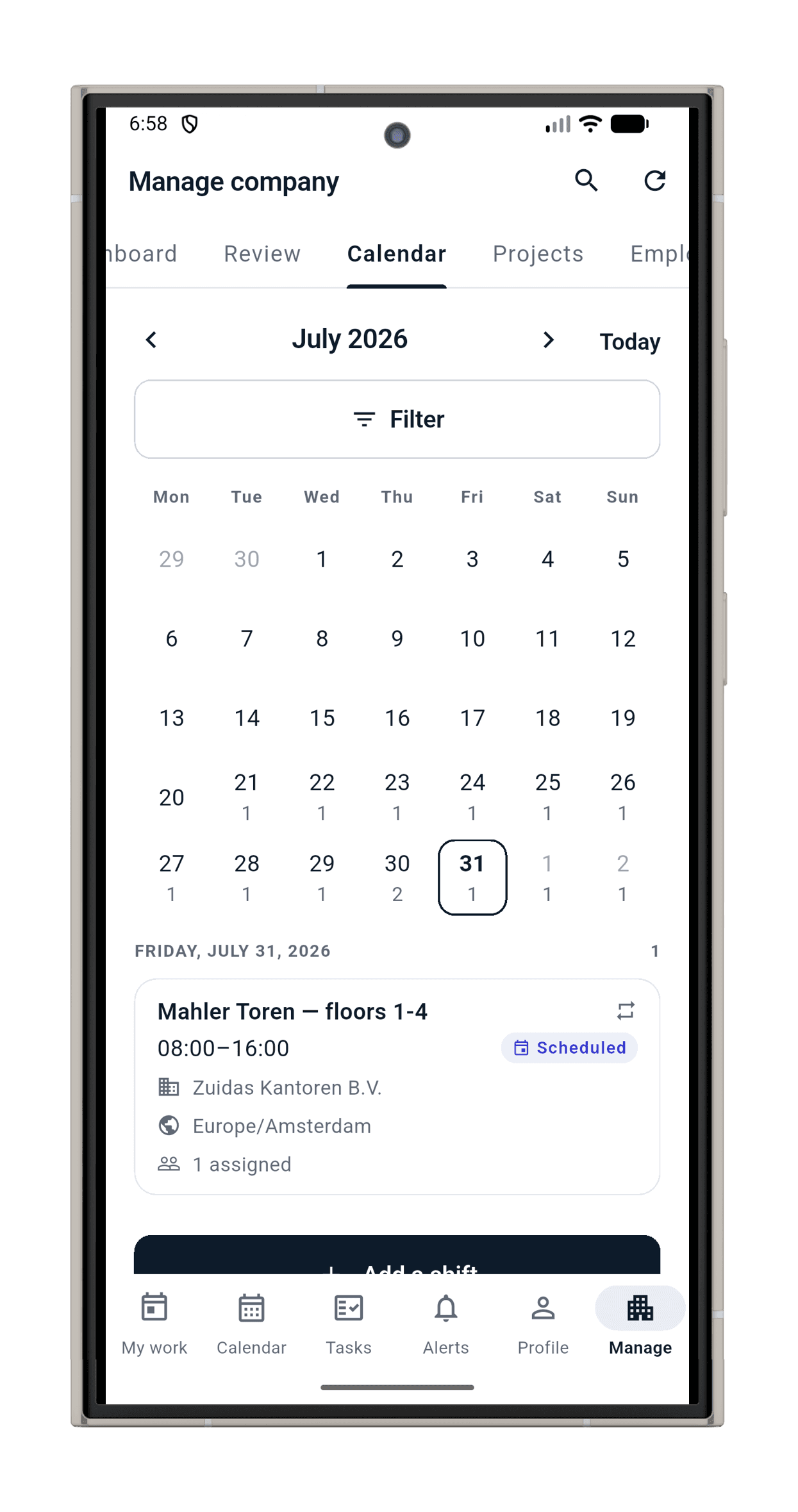
Every shift on the calendar before anyone asks.
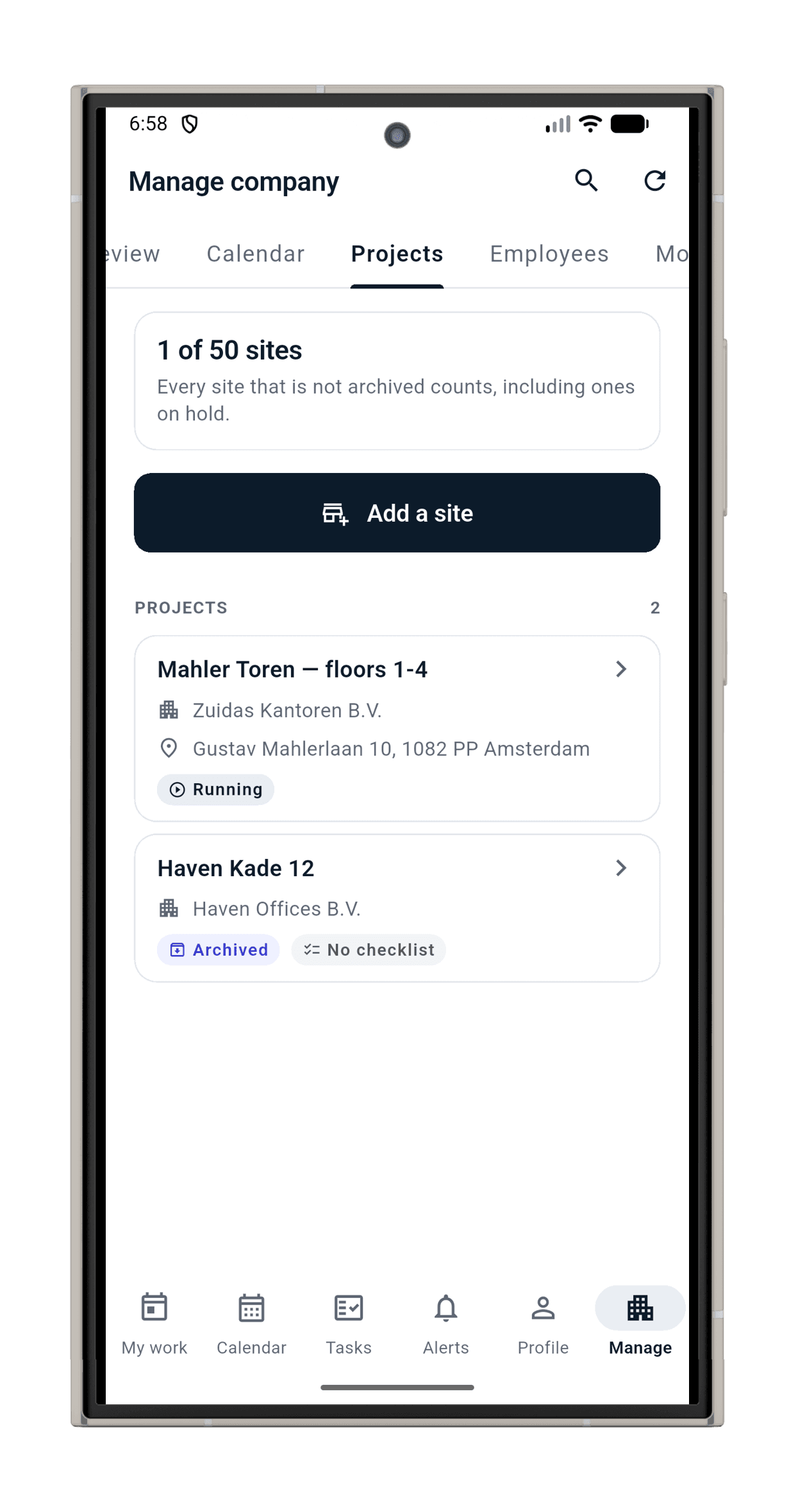
Describe the pattern once, like every Monday and Thursday from 08:00 to 12:00, and MAYDAN generates the real shifts forward automatically, through daylight-saving changes, with a preview of the actual dates before you commit. Edit one occurrence, this-and-future, or the whole series; moves and cancellations always carry a reason and notify the crew.
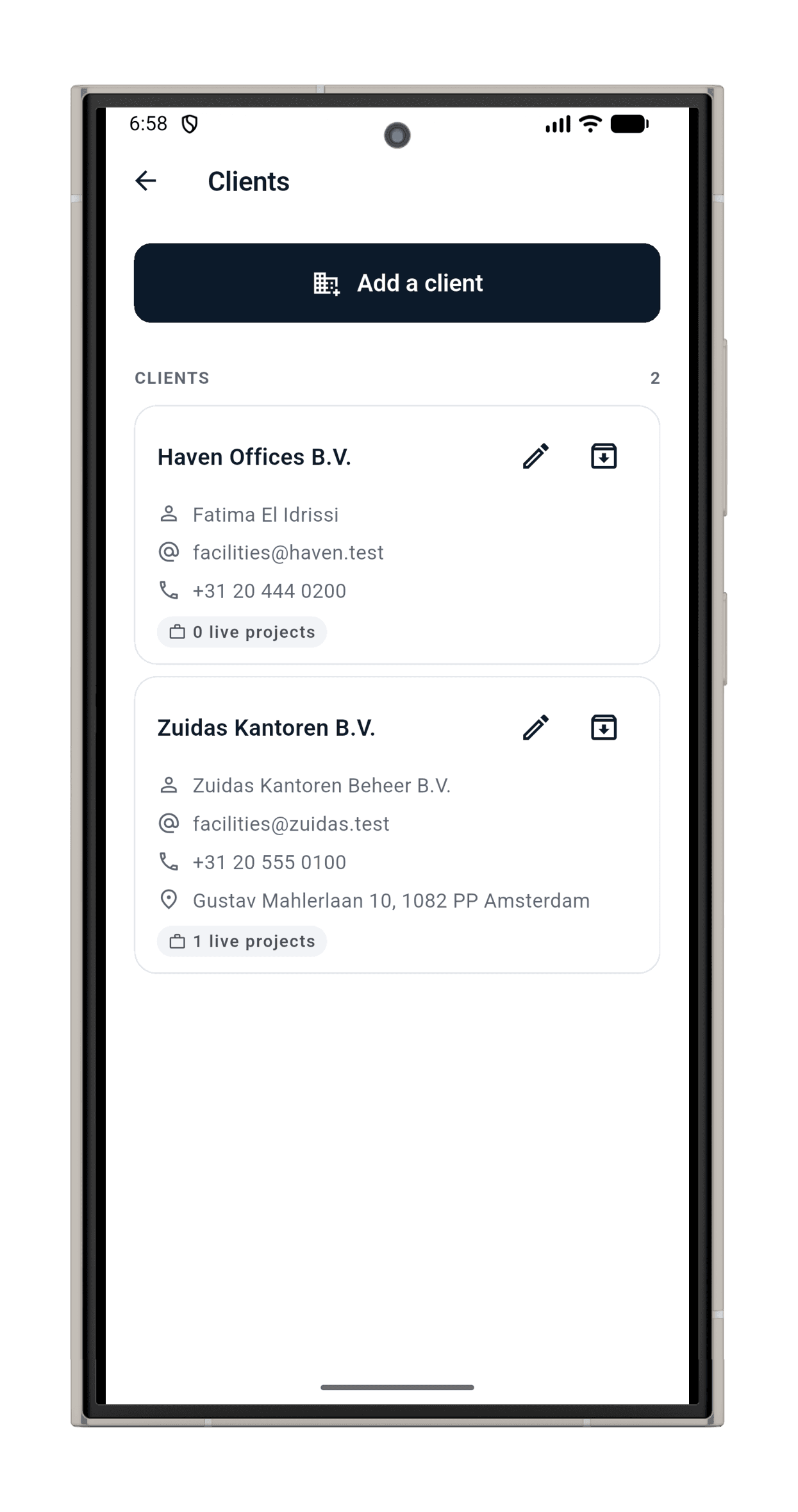
Clients, sites, and reusable checklist templates are set up once and reused everywhere.
Guide
A whole shift with no signal is a normal shift.
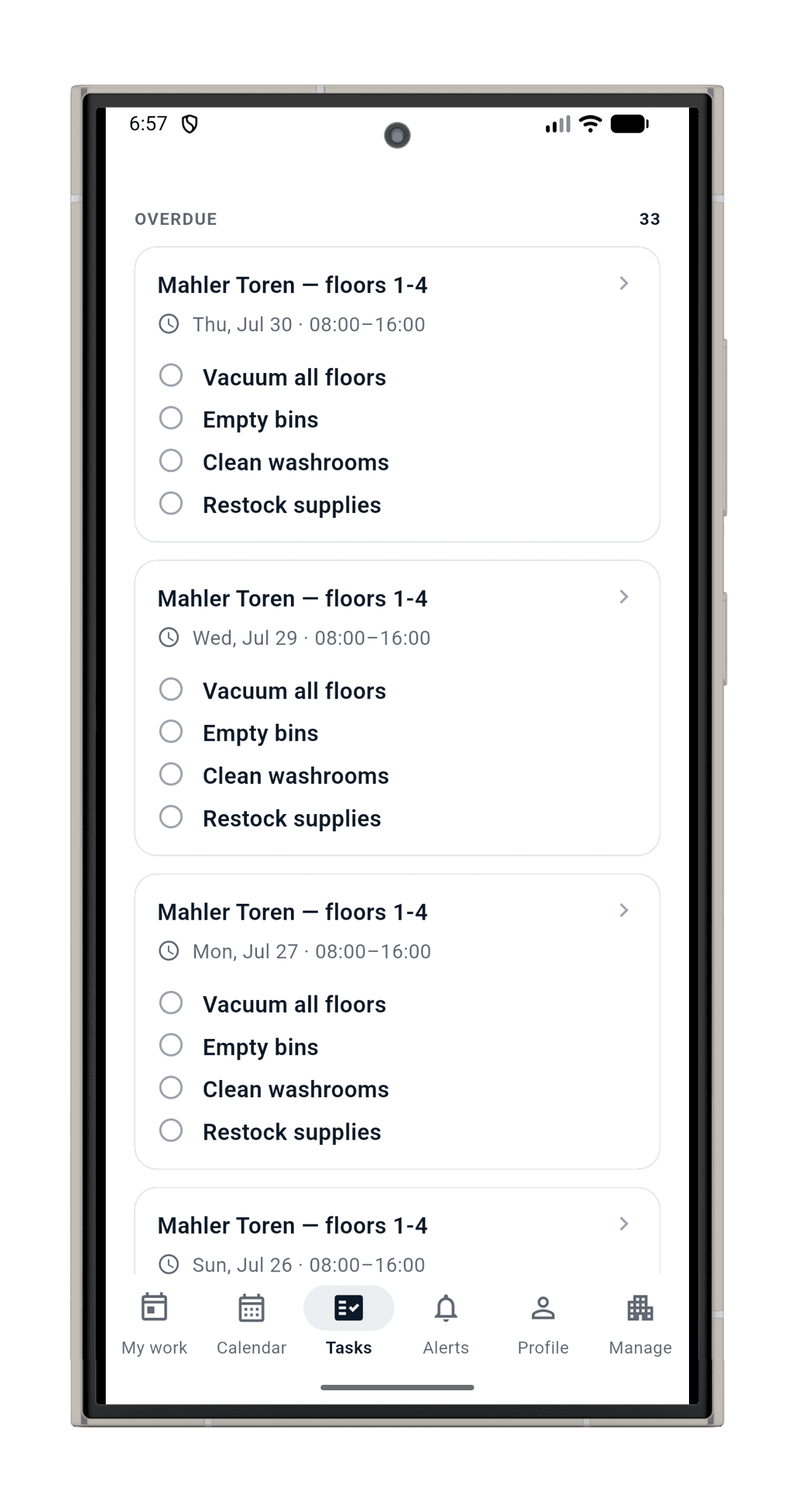
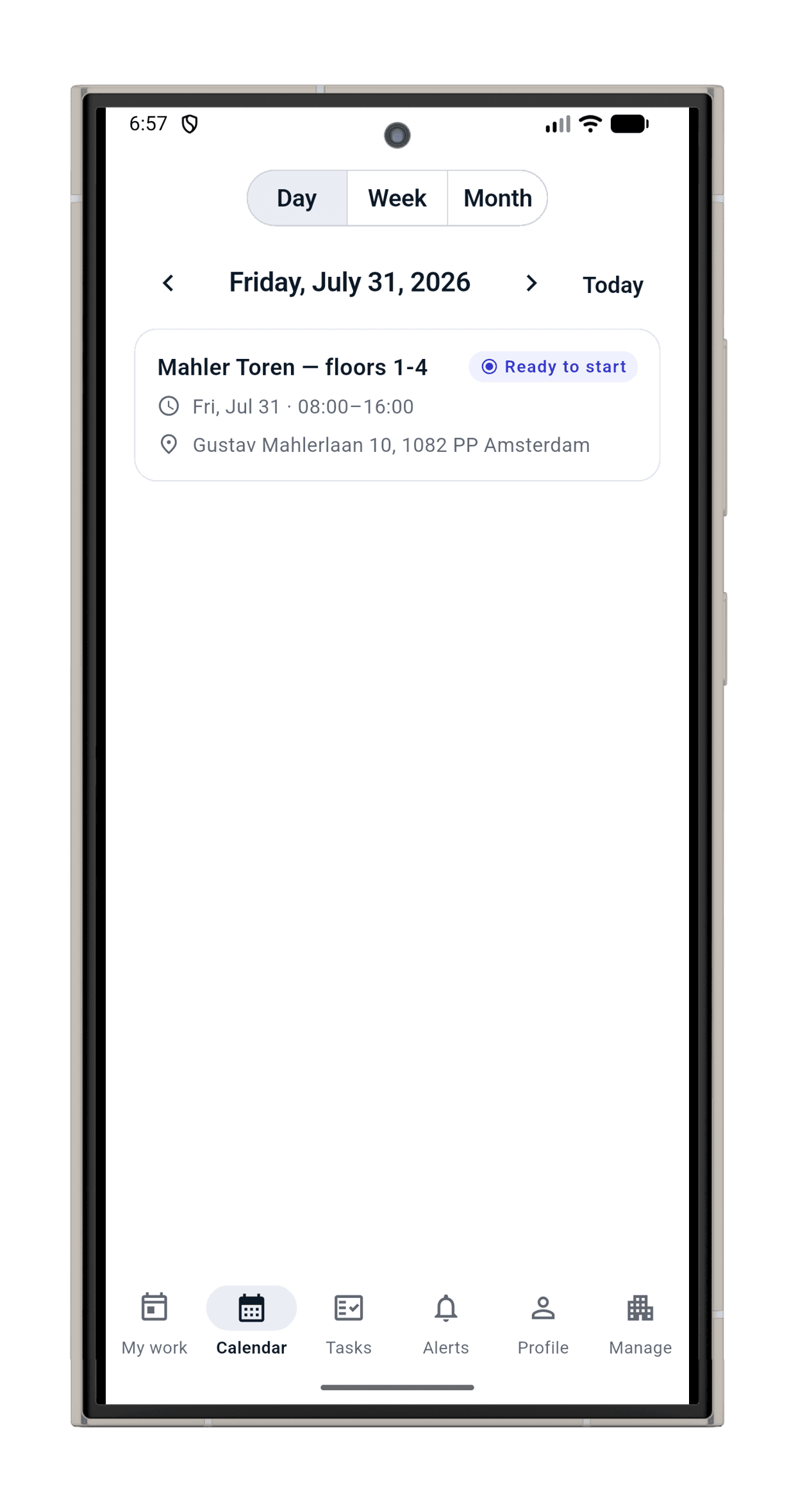
Check in with a live photo, work the checklist task by task, attach photo evidence, check out: all of it works with zero connectivity and syncs when the phone finds a network, exactly once, no duplicates.
The app never pretends: it distinguishes “saved on this phone” from “accepted by the server”. Location is captured at check-in and check-out, and nowhere else.
Prove
When a client asks, you answer with evidence, not memory.
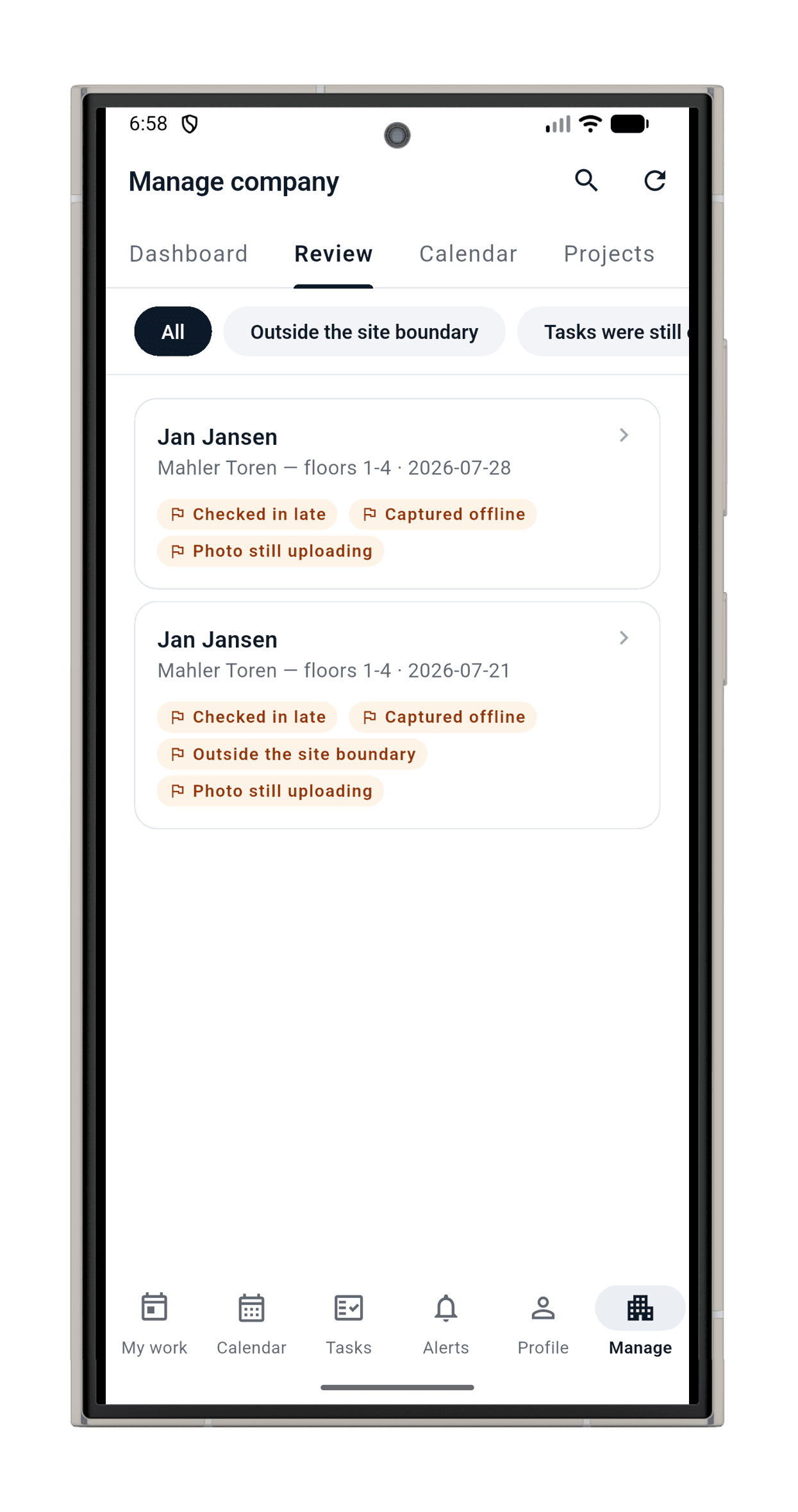
Photos come from the live camera only: no gallery, no old images. Both clocks are recorded on every check-in, and GPS is captured with it; a check-in without a fix always lands in review, and company policy decides whether it needs a reason or is refused. Corrections never overwrite the original; they are new records with a reason, and anything odd lands in a queue that says “needs review”, never an accusation.
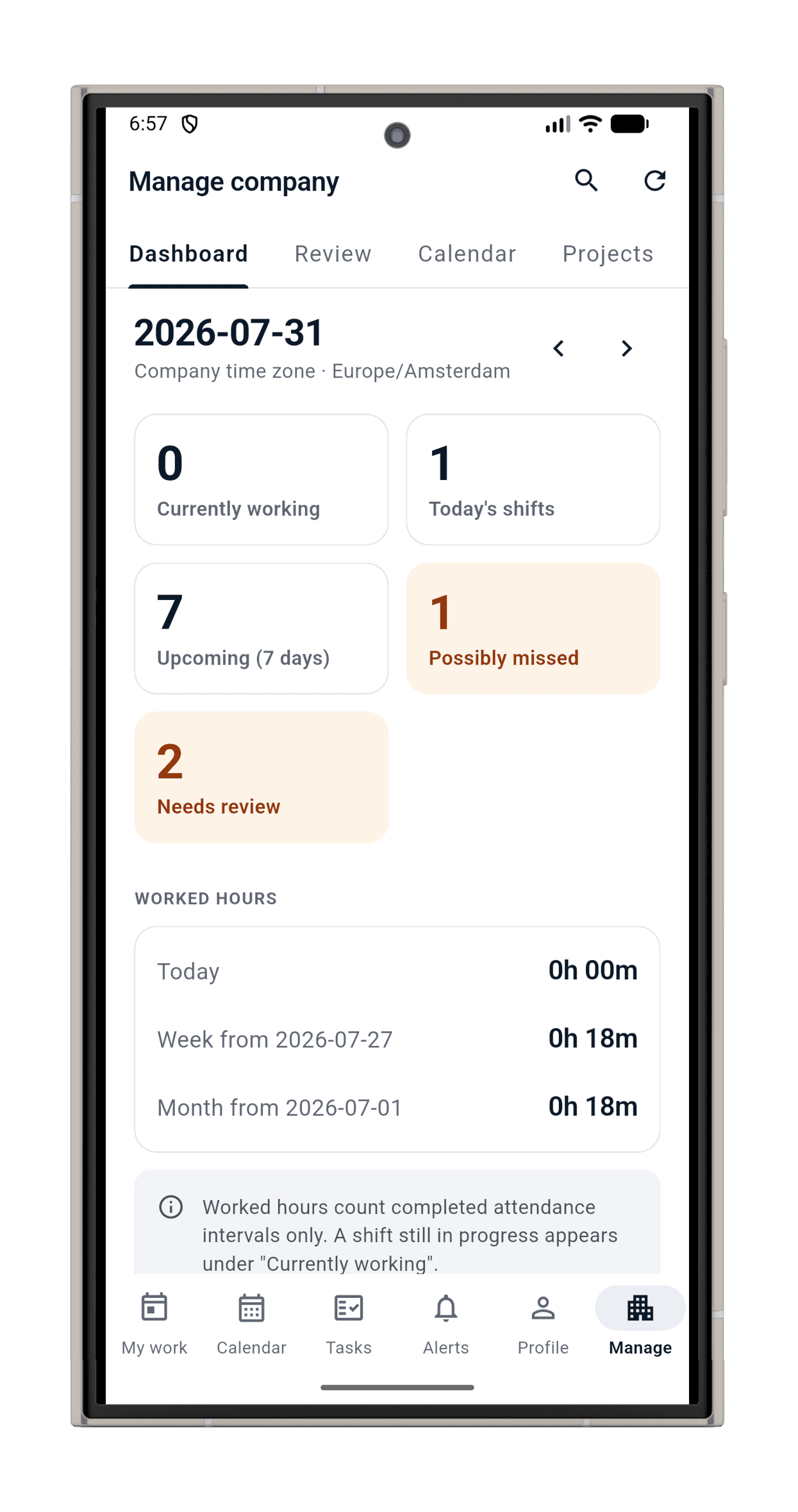
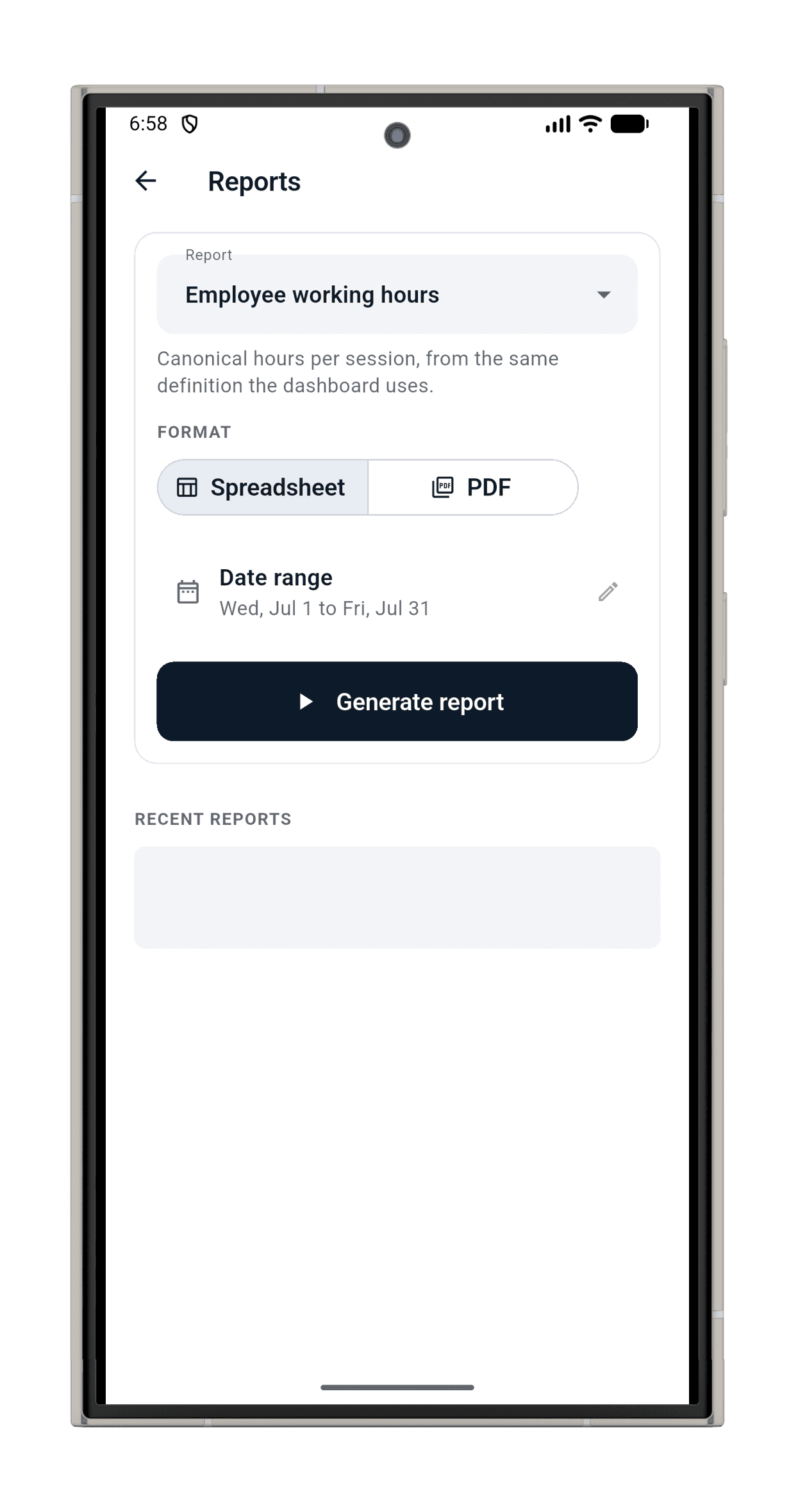
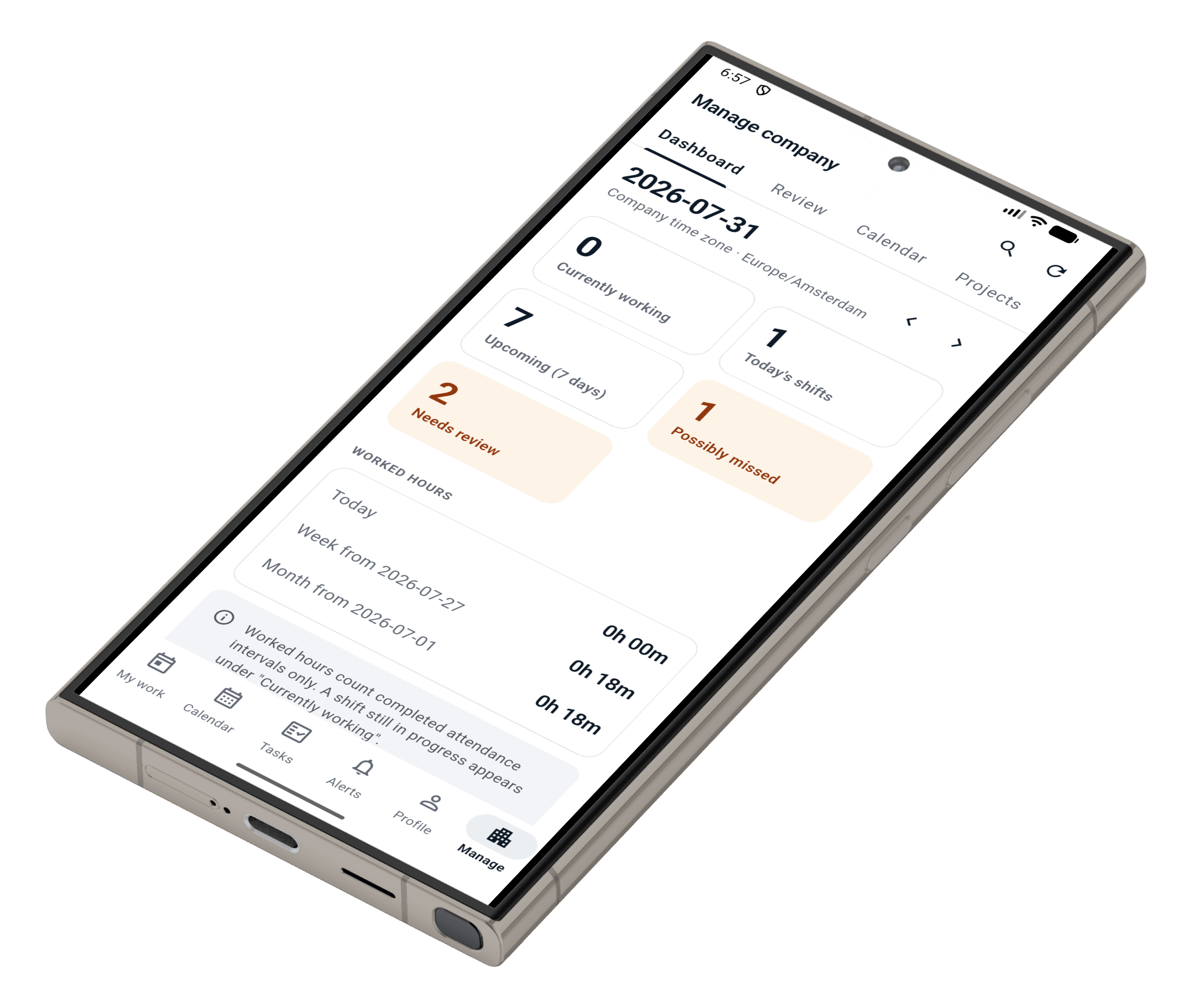
Every dashboard number drills down to the exact records behind it, and five reports cover attendance, hours, and history in PDF and spreadsheet.
No laptop required
The whole company in your pocket.
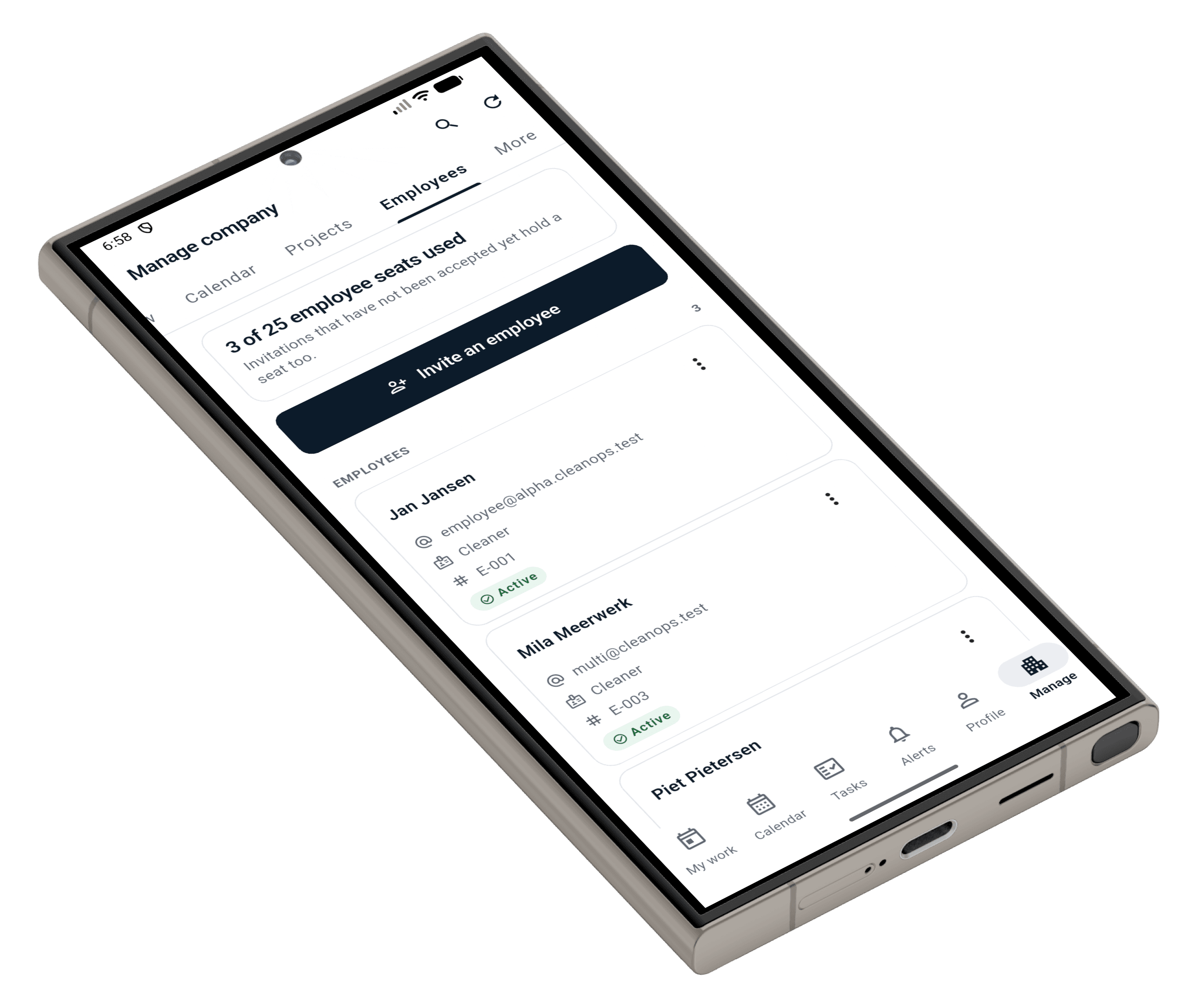
MAYDAN's administrator experience is the phone: clients, sites, people, schedules, reviews, reports, settings, and your subscription, all first-class on mobile. Sit in the van, run the company.
Security
Auditable without feeling surveilled.
Pricing